Month 1
48%
About This Month
Day 1
Day 2
Day 3
Day 4
Day 5
Day 6
Day 7
Day 8
Day 9
Day 10
Day 11
Day 12
Day 13
Day 14
Day 15
Day 16
Day 17
Day 18
Day 19
Day 20
Day 21
Day 22
Day 23
Day 24
Day 25
Day 27
Day 28
Day 29
Day 30
Embed ConvertKit Form In Opt In Page
1. In ConvertKit, go to Forms > Publish > HTML Embed and copy the code.
2. In Webflow, drag Embed element to your page.
3. Paste the ConvertKit code in the Embed block.
4. Save, publish, and test.
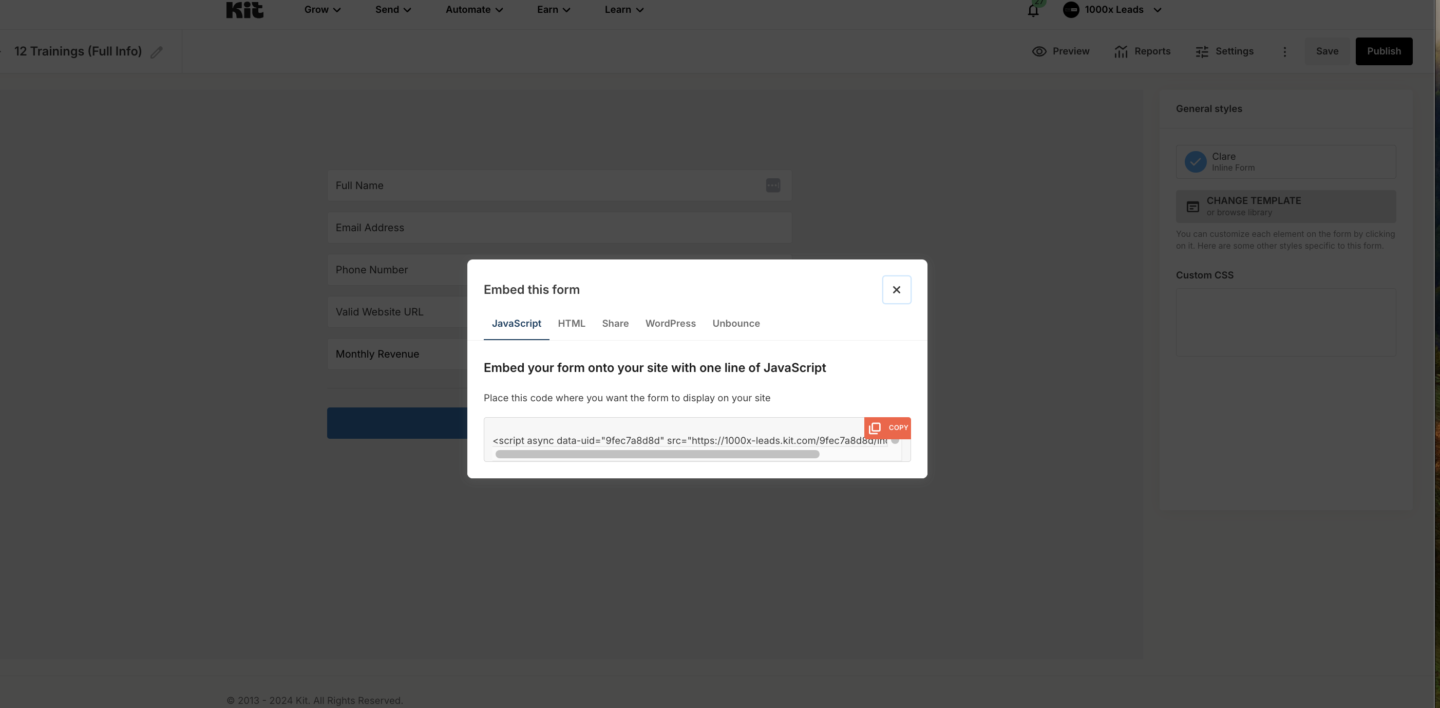
(This is the code from the form you created in the first week of this program)